Best Subtitle Editing Tools in 2025 (Free & Online Options)
May 22, 2025
✍️ How to Edit Subtitles Like a Pro in 2025 (Free Tools & Online Software)
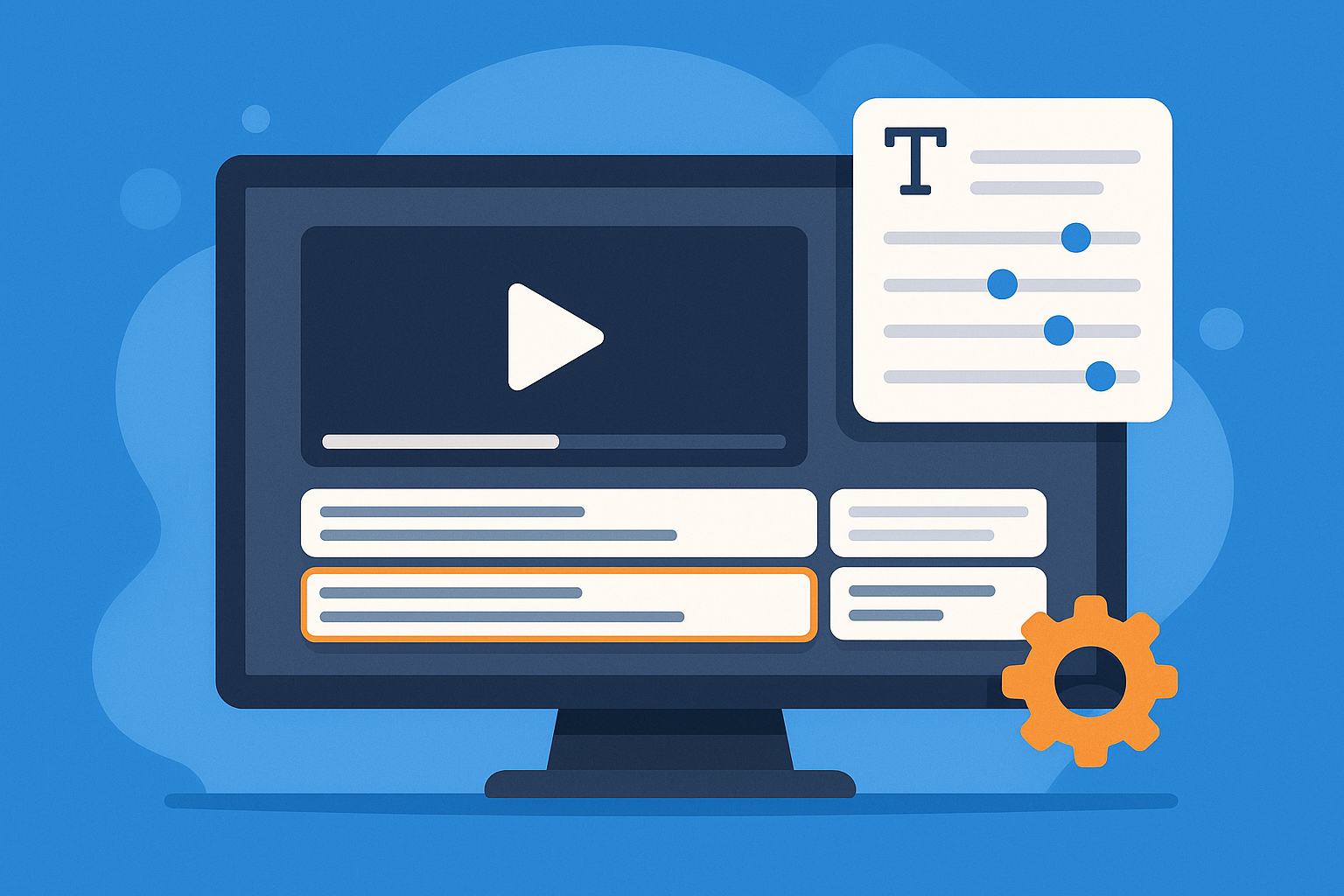
Whether you're creating YouTube videos, films, or marketing content, subtitle editing is a must for accessibility, SEO, and viewer retention. In this guide, you'll discover the best ways to edit subtitles, fix errors, and choose the right subtitle editing software.
📖 Table of Contents
- Why Subtitle Editing Matters
- Best Free Subtitle Editors (Online & Downloadable)
- How to Edit Subtitles Manually (SRT & More)
- Common Subtitle Errors & Fixes
- AI Subtitle Editing Tools in 2025
- FAQ
- Final Thoughts
🧠 Why Subtitle Editing Matters
- 📈 Boost SEO: Search engines index subtitles.
- 🎧 Accessibility: Vital for hearing-impaired viewers.
- 🌍 Multilingual Reach: Easy translation expands your audience.
- 📲 Mobile Viewership: Many watch with sound off — captions are key.
🛠️ Best Free Subtitle Editors (Online & Downloadable)
| Tool | Platform | Key Features | Best For |
|---|---|---|---|
| Subtitle Edit | Windows | Waveform, auto-translate, fix common errors | Advanced editing, batch subtitle correction |
| Aegisub | Windows, macOS, Linux | Real-time preview, typesetting | Anime and creative subtitle work |
| VidFix | Web (Online) | Auto transcription, timeline editing, no watermark | Social media content creators |
| Kapwing | Web | Manual and auto subtitle layers | Quick fixes for short-form video |
| Jubler | macOS, Linux | SRT editing, timing adjustments | Simple editing for personal videos |
📝 How to Edit Subtitles Manually (SRT, VTT, ASS)
If you're working with .srt, .vtt, or .ass subtitle files, here’s how to get started:
- Open a Subtitle Editor (e.g., Subtitle Edit or Aegisub)
- Import the File
- Adjust Timing – Sync it to the video audio
- Edit the Text – Fix typos, split long lines, or add missing context
- Export the Corrected File
💡 Pro Tip: Always test subtitles on your video player before final export.
🧹 Common Subtitle Editing Errors (and How to Fix Them)
| Error | Fix |
|---|---|
| Overlapping subtitle timings | Use tools like Subtitle Edit’s "Fix Overlaps" |
| Long lines or too many characters | Split into two lines or shorten text |
| Typos & grammar issues | Run text through AI or grammar checkers |
| Unsynced timing | Use waveform view to drag & sync subtitle blocks |
| Encoding issues | Export using UTF-8 encoding to prevent corruption |
🤖 AI Subtitle Editing Tools in 2025
| Tool | AI Features | Free Plan |
|---|---|---|
| VidFix | AI transcription, auto styling, no watermark | ✅ |
| Descript | Edit subtitles by editing transcript | ✅ |
| VEED.io | AI auto-captioning, translation | ✅ |
| Submagic | Hormozi-style captions, auto keywords | ❌ (Paid Only) |
🙋♀️ FAQ
Q: What is the best free subtitle editing software?
A: "Subtitle Edit" for Windows and "Aegisub" for macOS/Linux are great. For online tools, VidFix offers watermark-free editing.
Q: Can I edit SRT files manually?
A: Yes — open them in any subtitle editor or even Notepad/TextEdit for quick changes.
Q: How do I fix subtitle sync issues?
A: Use waveform/timeline views in editors like Subtitle Edit or Kapwing to align with speech.
Q: Can I add subtitles without downloading software?
A: Yes, tools like VidFix.io or VEED let you edit subtitles directly in your browser.
✅ Final Thoughts
Subtitle editing may seem like a small task, but it can dramatically increase the impact and reach of your content. Whether you're fixing common subtitle errors, syncing captions, or using AI to edit subtitles automatically — there’s a tool that fits your needs.
Try a free subtitle editor like VidFix and start boosting accessibility and engagement today.